🆘 ONE-PRESS SOS · INSTANT APP ALERTS · NO MONTHLY SUBSCRIPTION
When an older parent or loved one lives alone, you can't always be there in person. But knowing they have a simple way to alert family when they need assistance can make everyday life feel a little more reassuring.
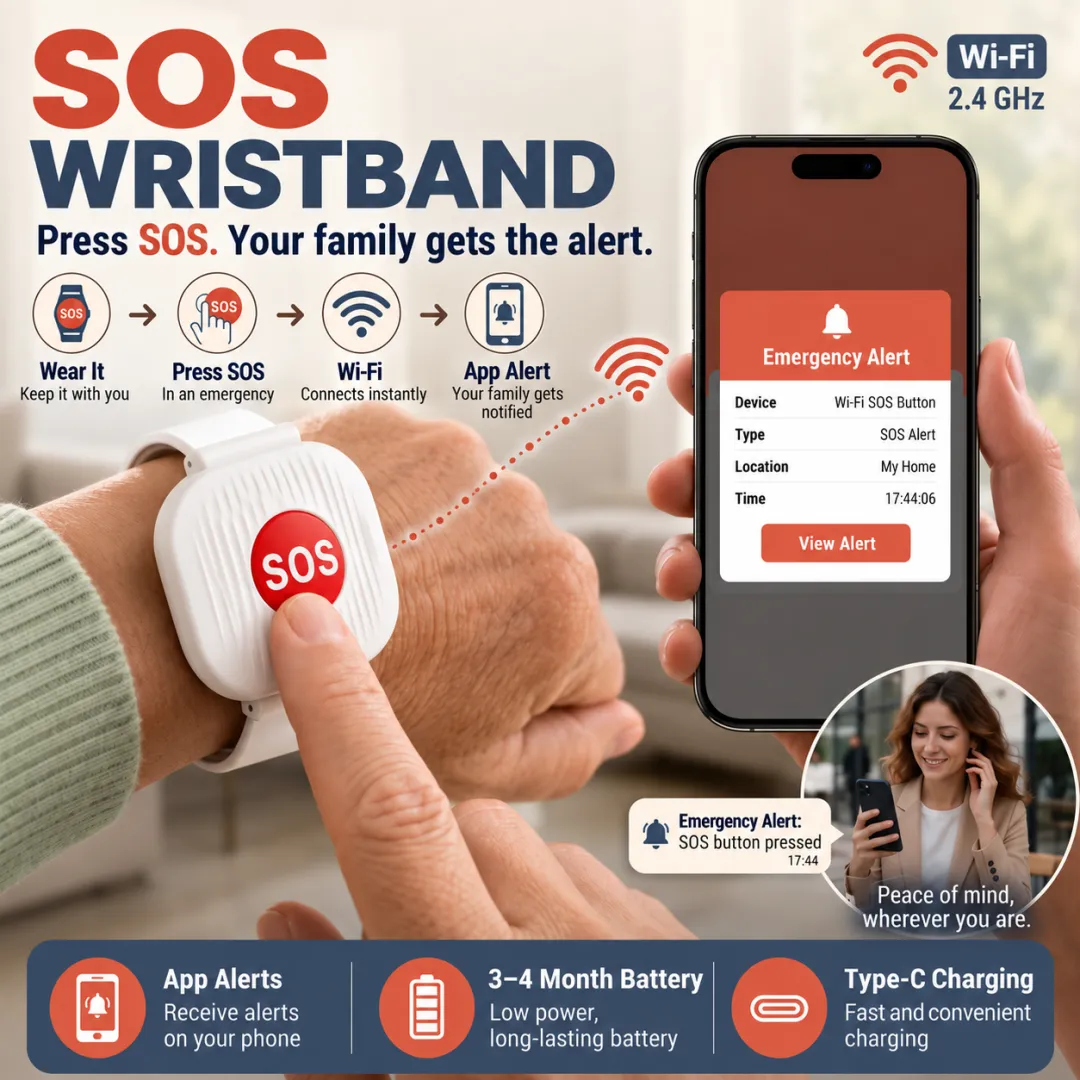
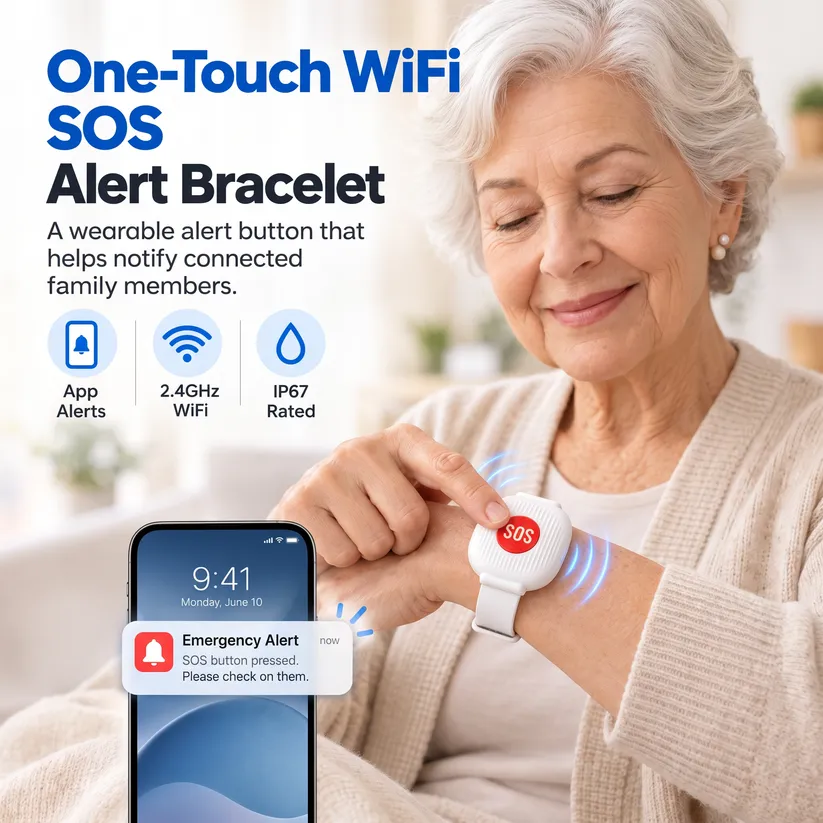
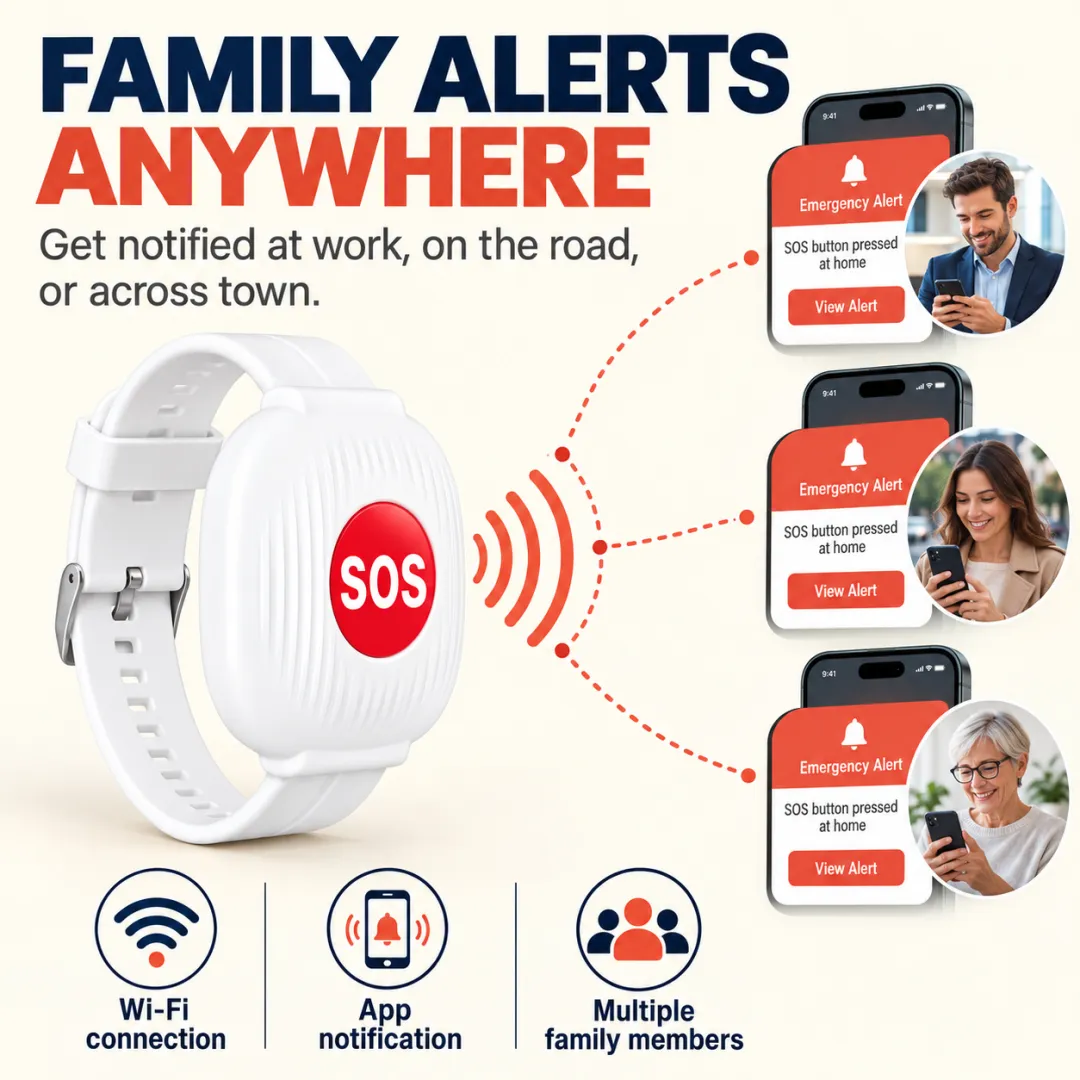
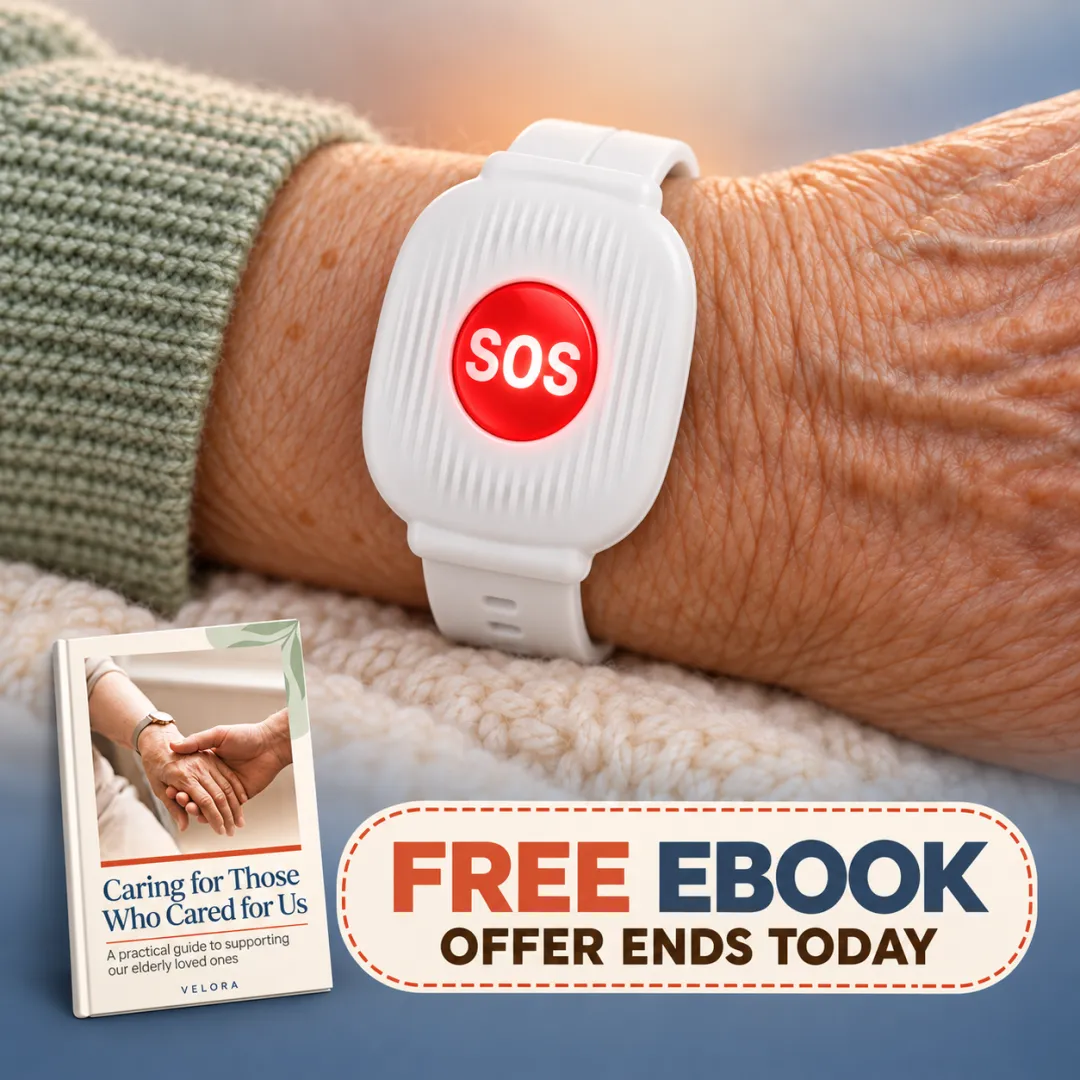
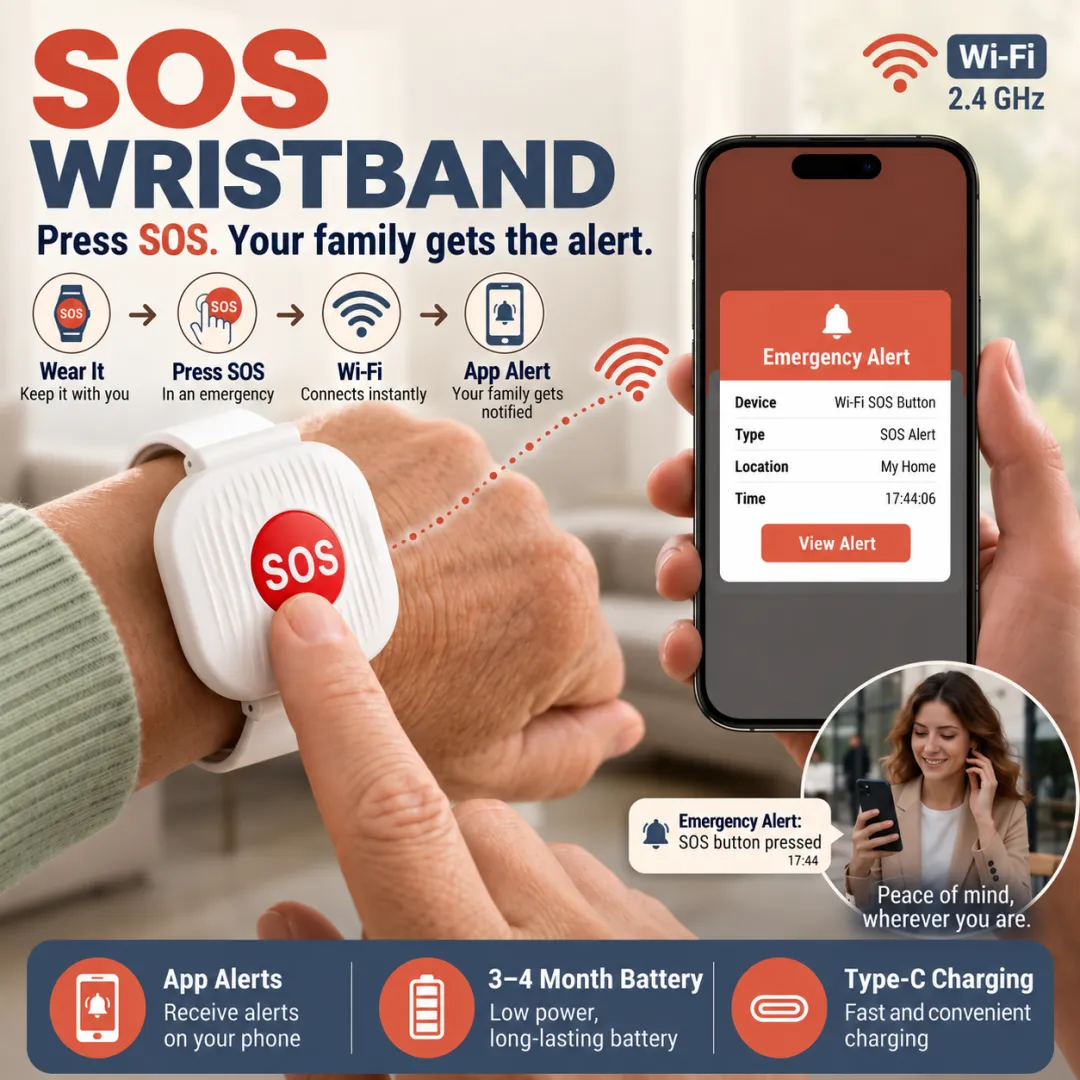
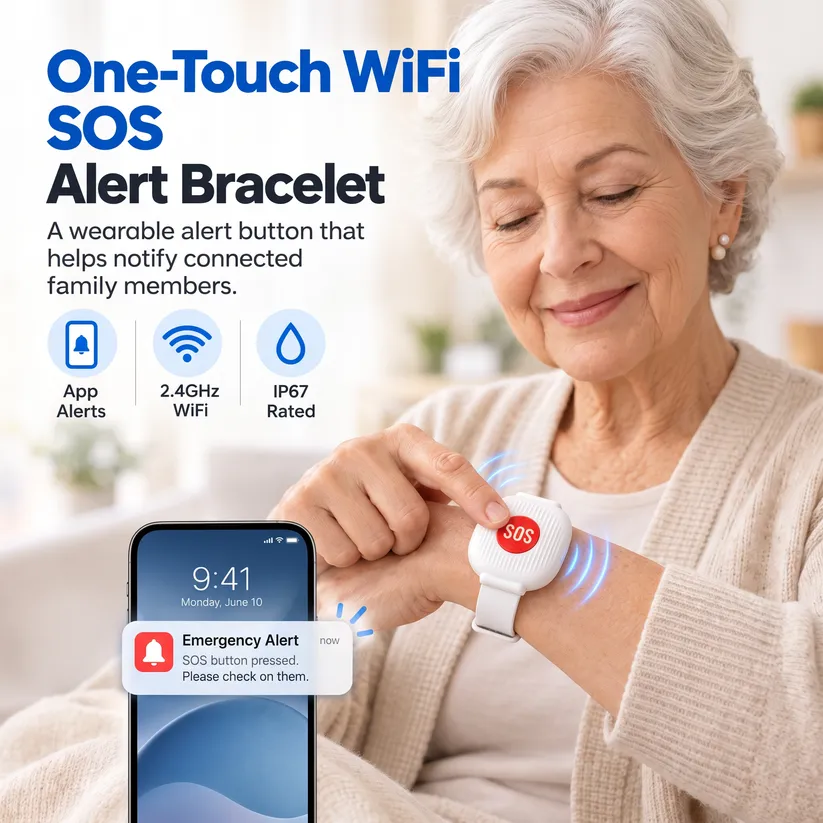
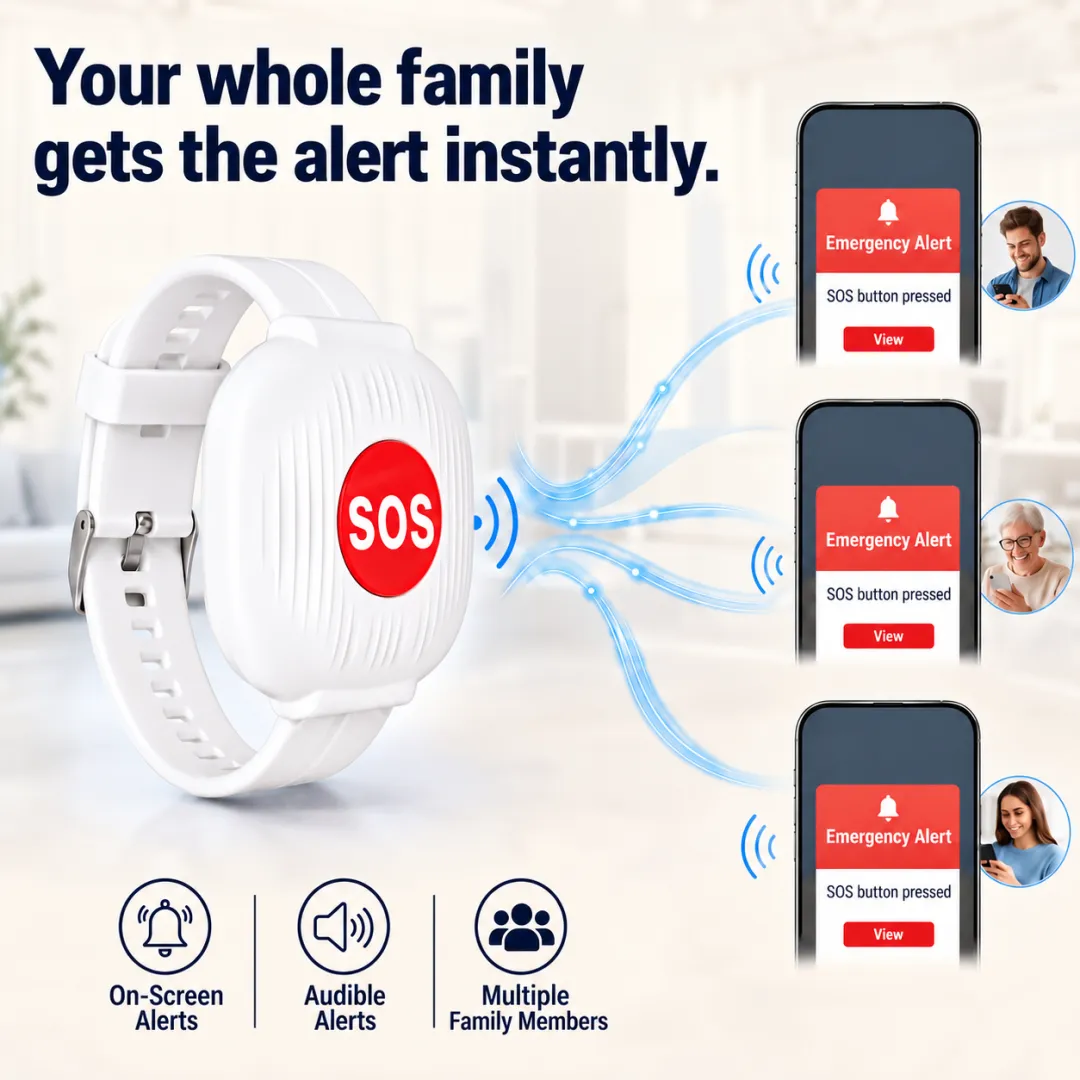
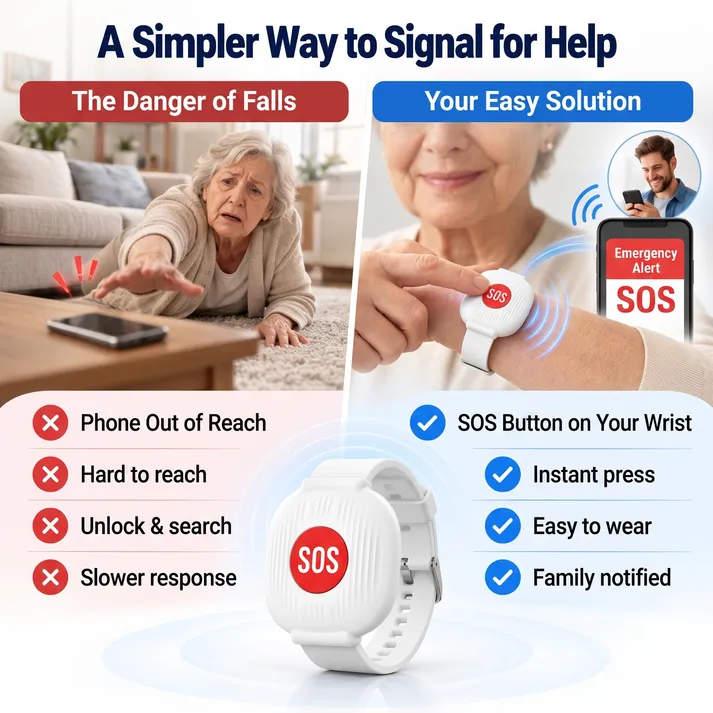
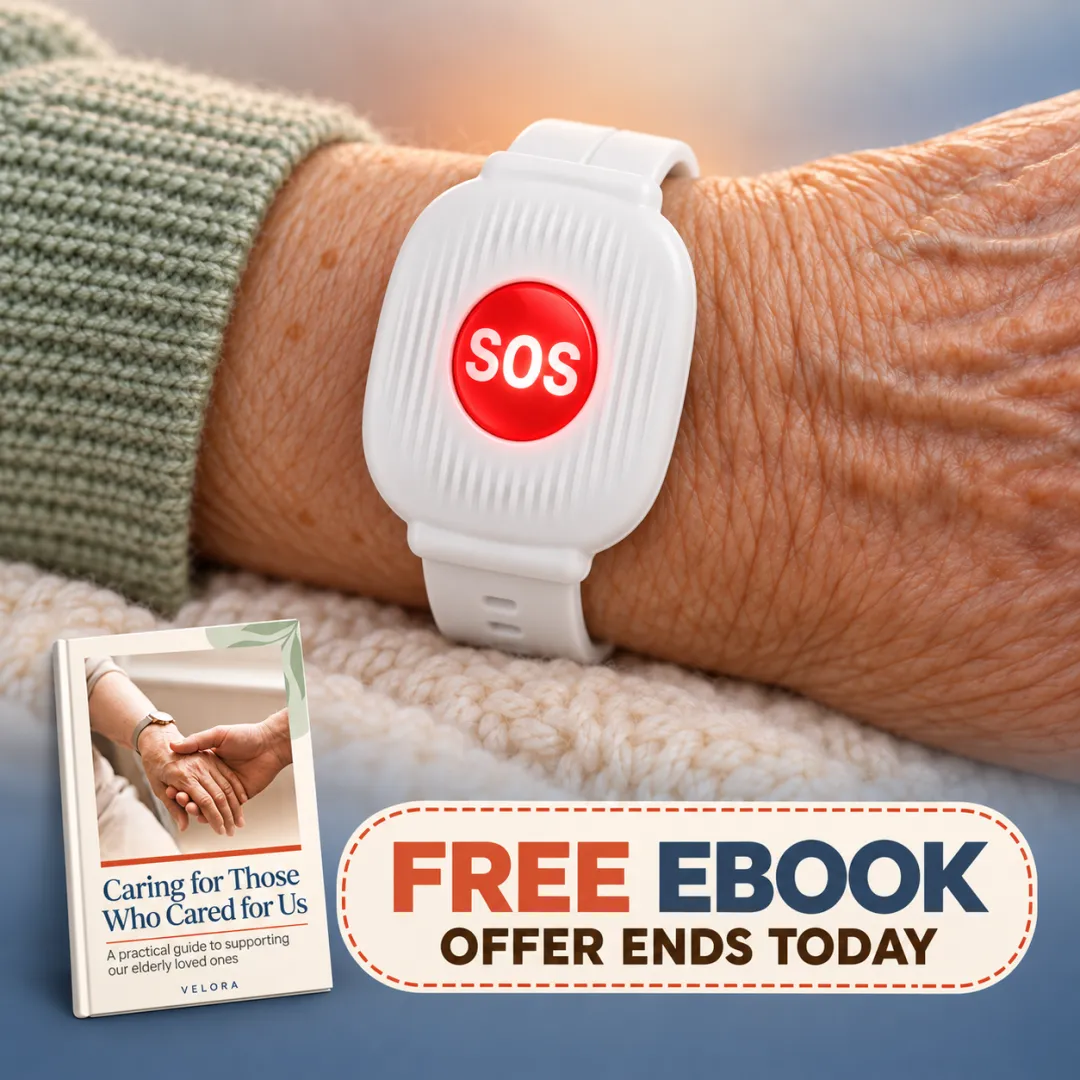
The Emergency SOS Bracelet for Seniors is designed to make asking for help simple. With one press of the SOS button, the connected system sends an alert to family members through a companion mobile app, helping them respond when assistance is needed.
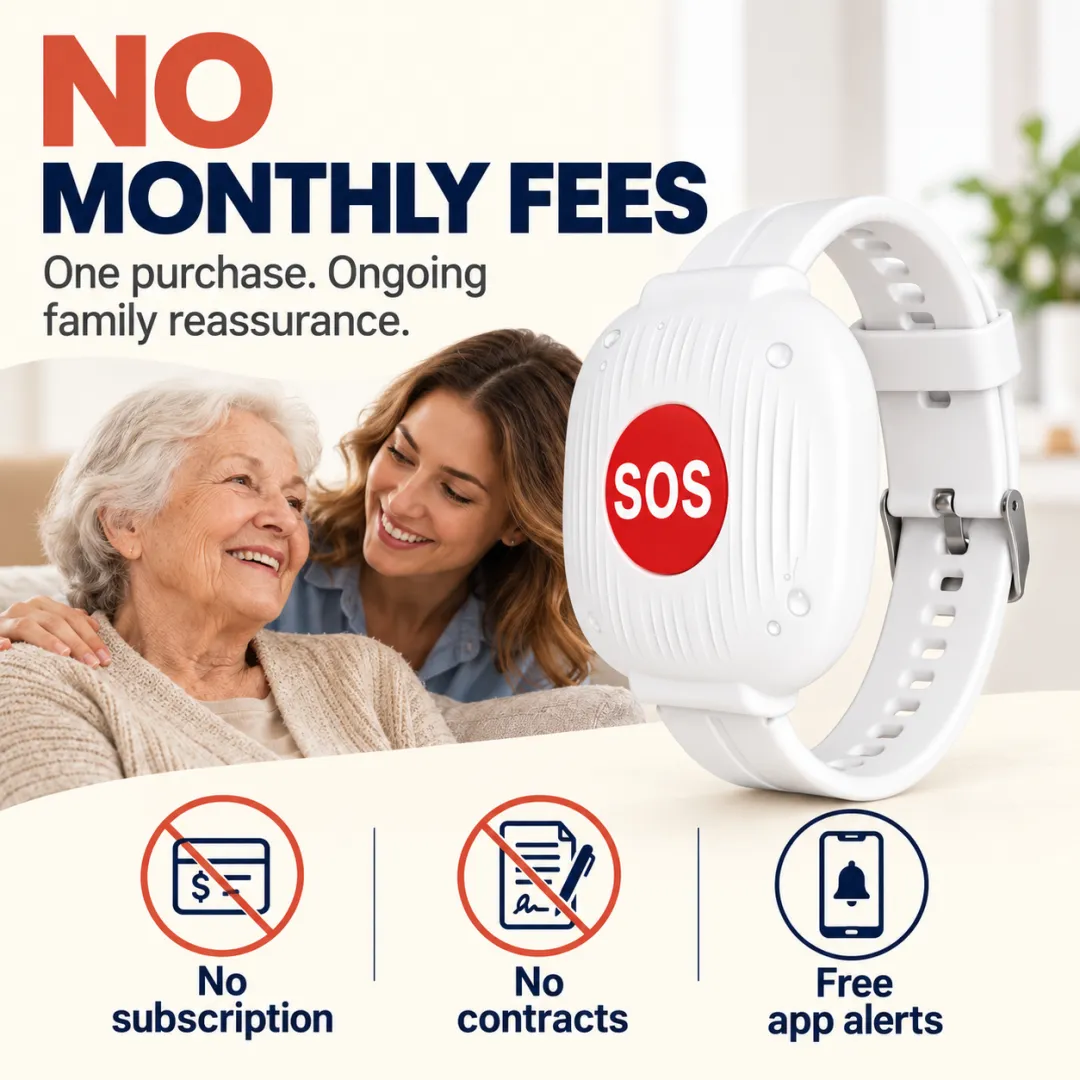
No complicated menus. No screen to navigate. No monthly subscription.
Just a straightforward way to help loved ones stay connected while maintaining their independence.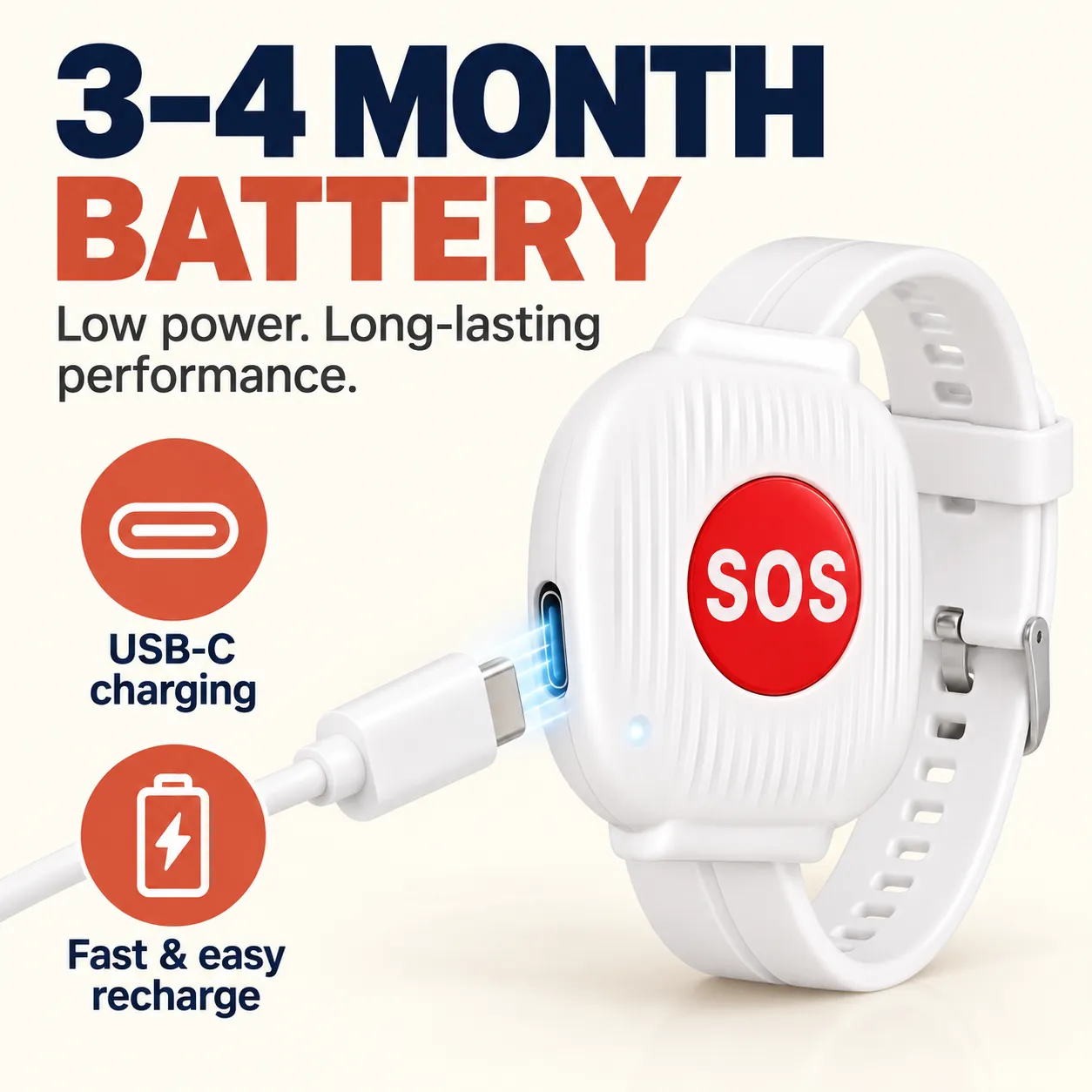
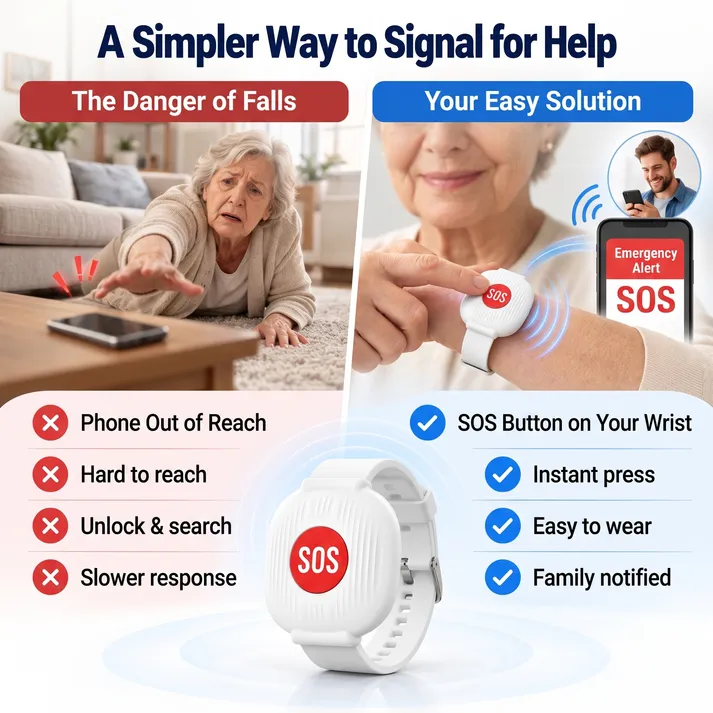
When someone feels unwell, needs assistance, or finds themselves in an unexpected situation, using a smartphone may not always be convenient.
This wearable SOS wrist button provides a simple alternative. Press the button to trigger an alert through the connected system, so designated family members can receive a notification on their phones.
Simple to use when it matters:
One-button SOS operation
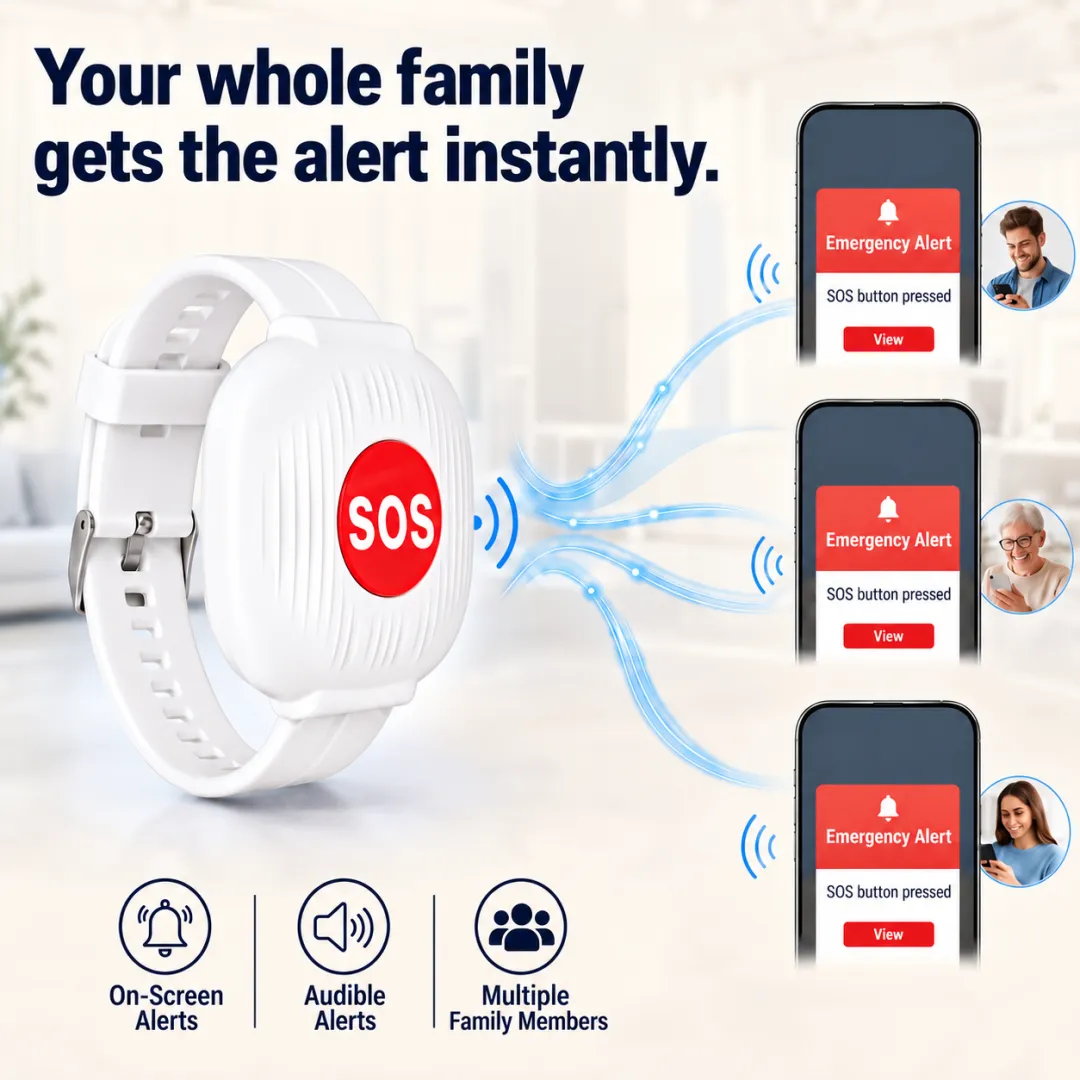
Mobile app notifications for connected family members
A wearable design that stays close at hand
No smartphone operation required by the wearer to trigger an alert
Please note: The device sends an alert; it does not automatically dispatch emergency services.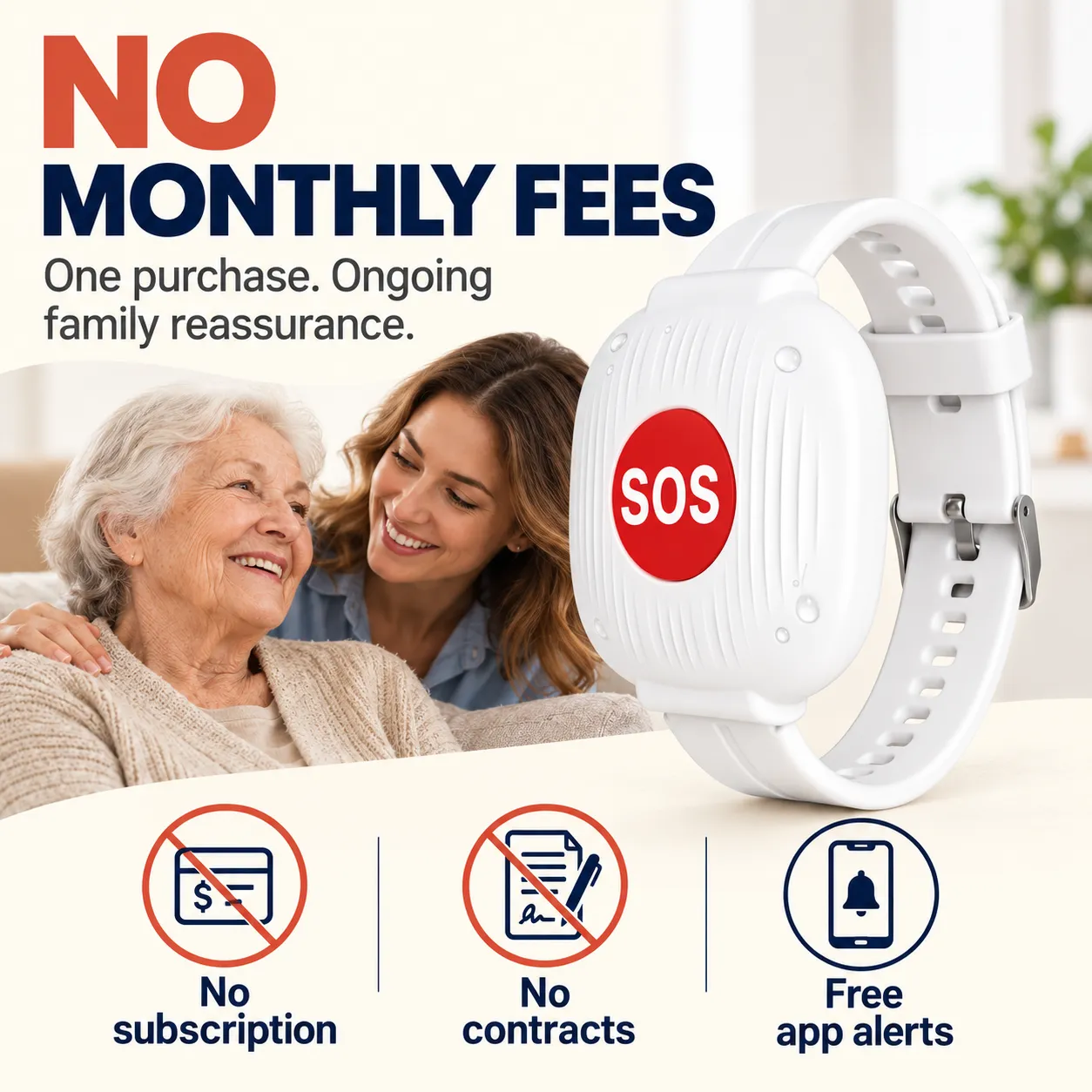
Many older adults want to continue living at home, following their routines, and enjoying their independence. Families want to support that freedom while having a practical way to stay informed when help is needed.
This SOS bracelet offers a simple communication option for everyday peace of mind.
For older adults: A straightforward button instead of complicated smartphone menus.
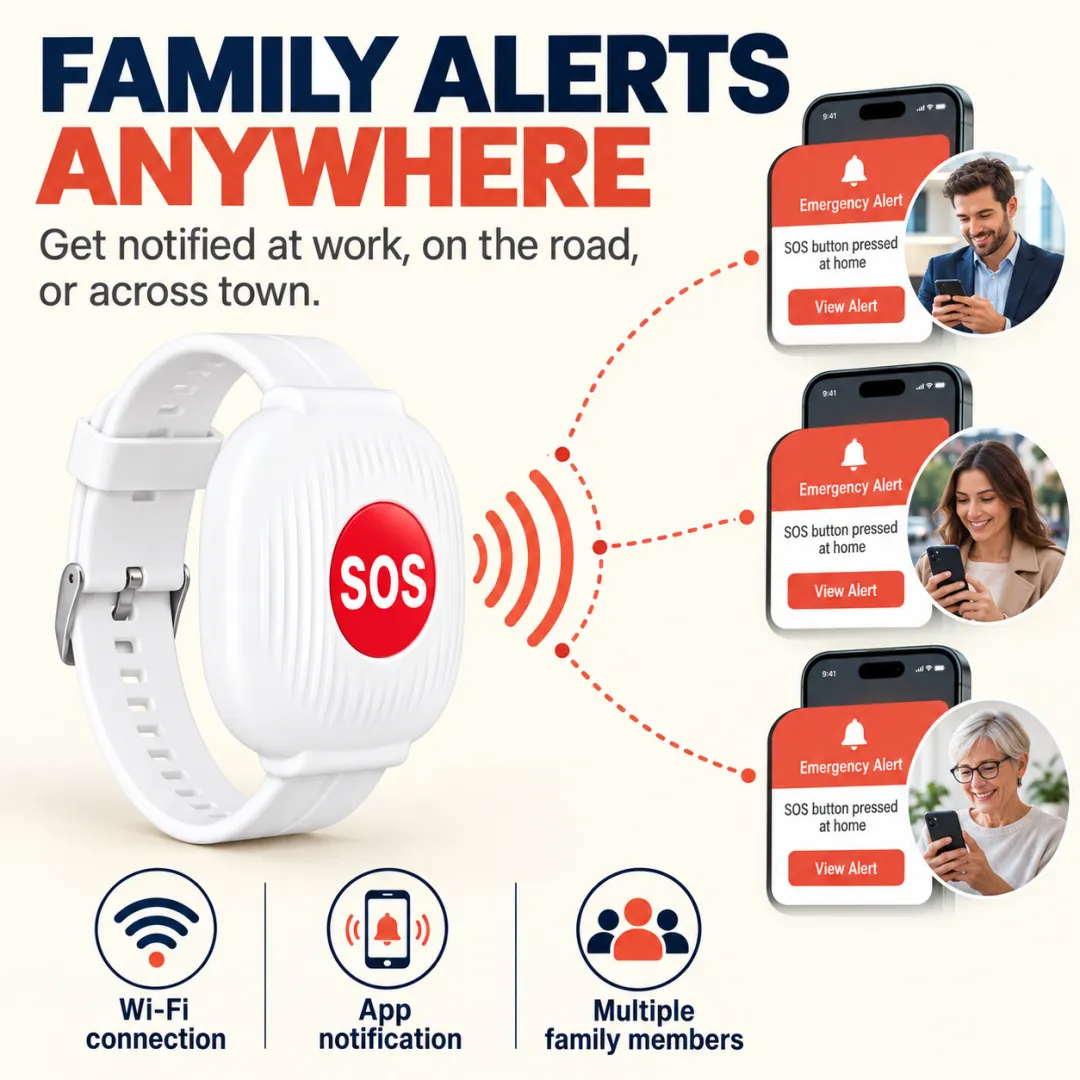
For adult children: A convenient way to receive alerts while working, running errands, or away from home.
For caregivers: An additional tool to help share responsibility among connected family members.
For families living apart: Stay connected through app notifications when you cannot be there in person.
Getting started is straightforward.
Step 1: Connect the Device
Pair the SOS wrist button with the companion mobile app and connect it to a compatible 2.4GHz Wi-Fi network at home.
Step 2: Enable Family Notifications
Complete the app setup and configure notifications for the family members who should receive alerts.
Step 3: Wear the Bracelet
Keep the wrist button accessible during everyday activities so it is available when assistance is needed.
Step 4: Press the SOS Button
When help is needed, press the button to send an alert through the connected system.
Step 5: Family Members Respond
Recipients can check the notification and decide whether to call the wearer, contact a nearby relative or caregiver, or seek appropriate emergency assistance.
You don't have to be at home to receive an app notification. Once the device is properly configured, family members can receive alerts remotely as long as the home Wi-Fi connection, connected system, mobile app, and phone's internet connection are working.
This makes it a practical option for families balancing work, daily responsibilities, and caring for an older loved one.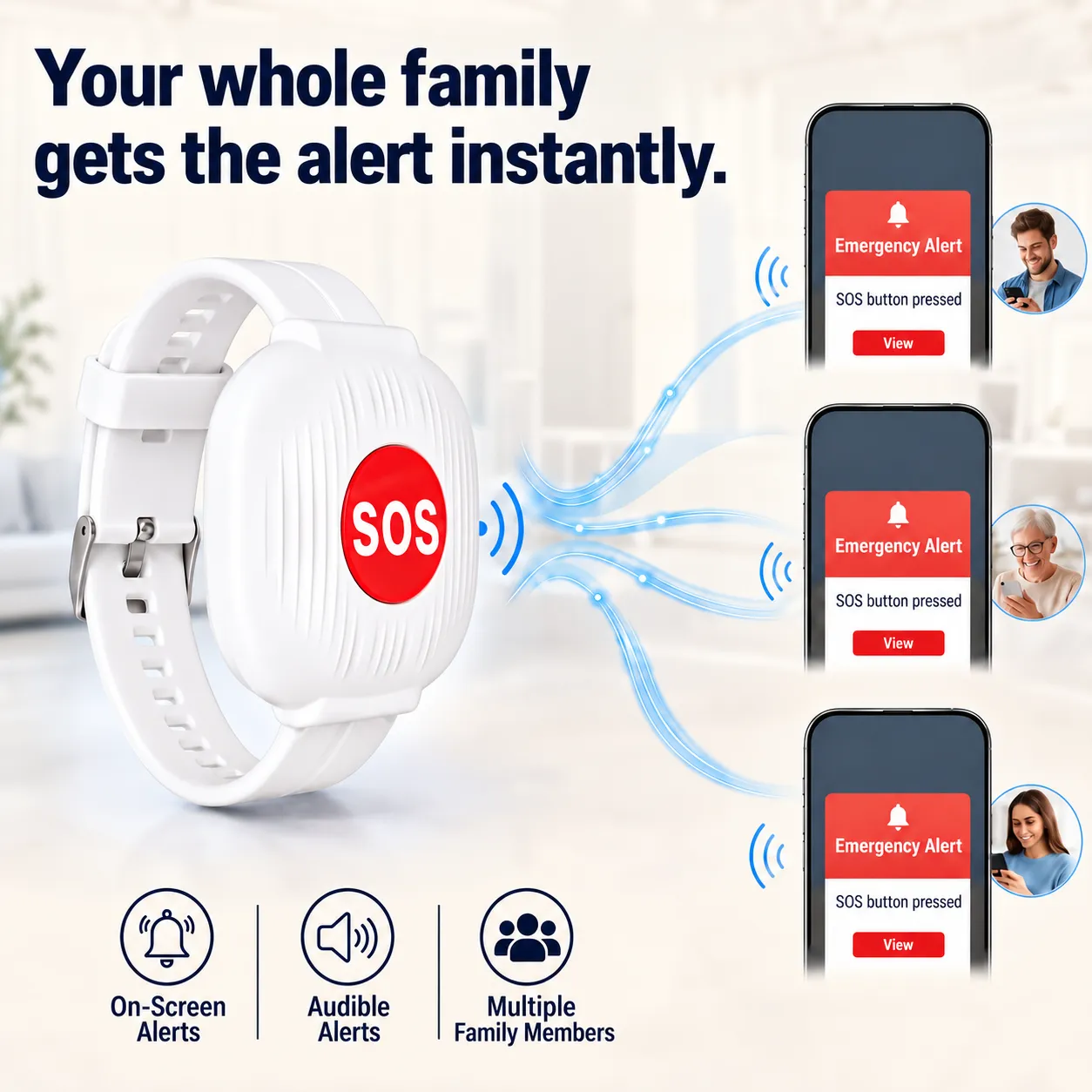
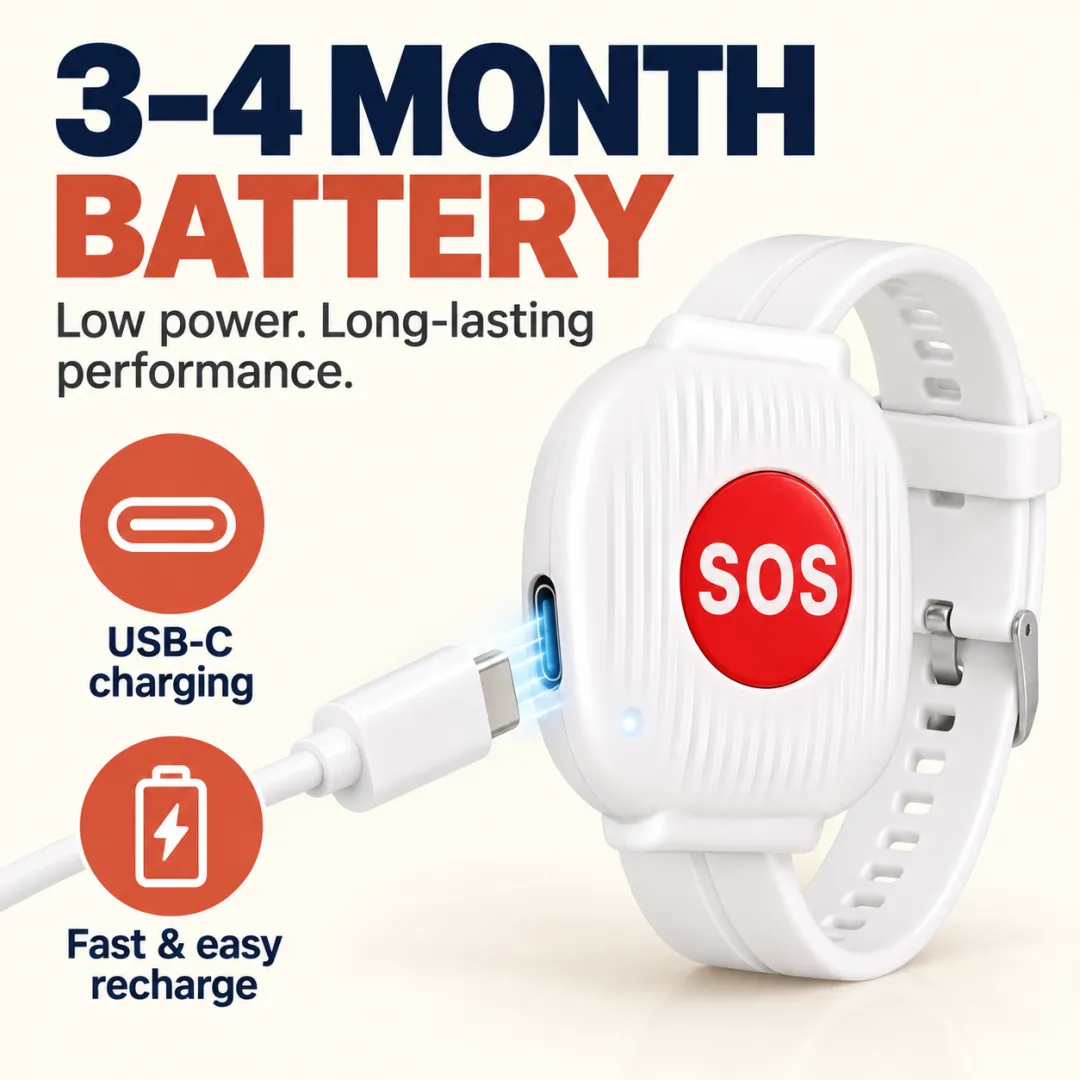
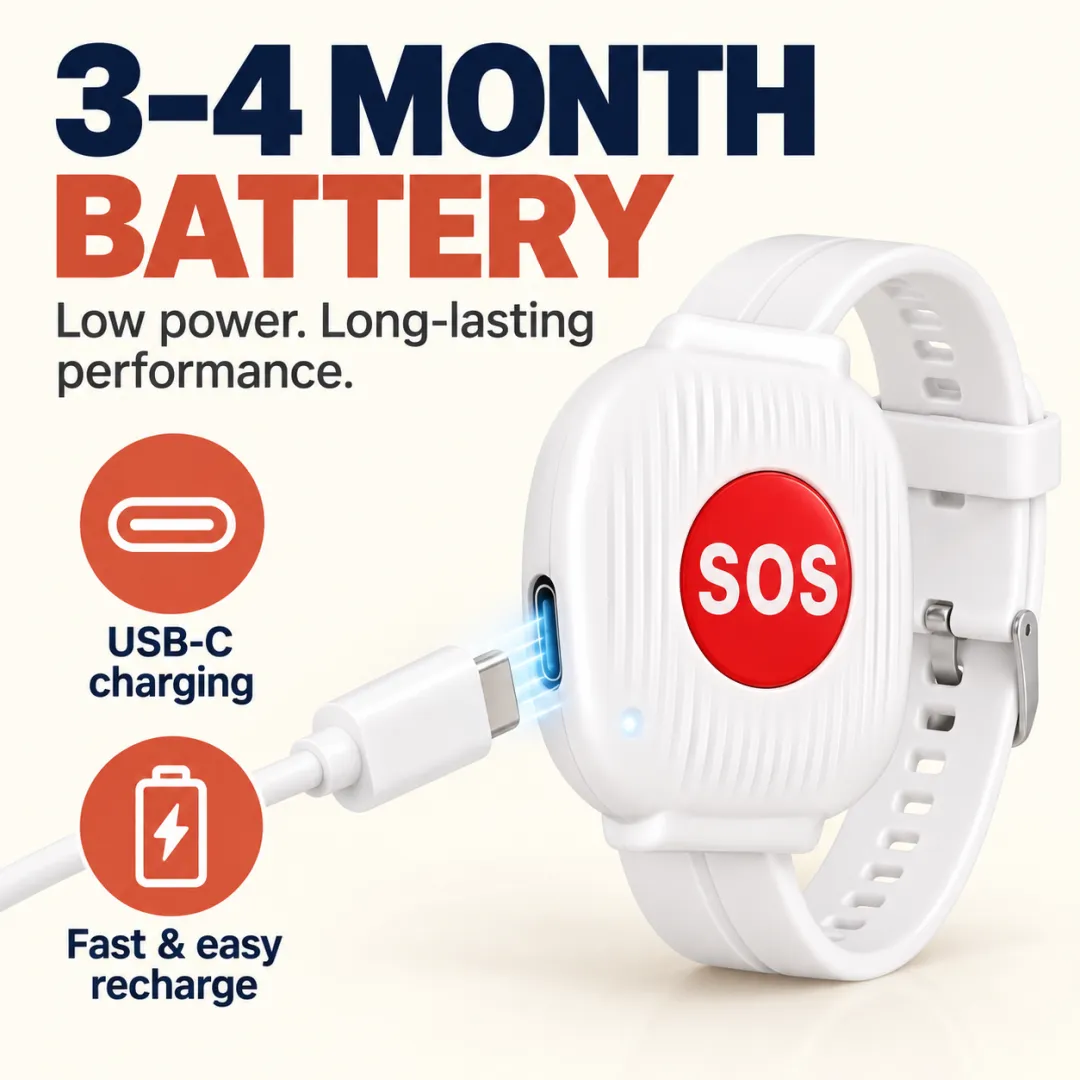
Designed for convenient everyday use, the bracelet has an estimated battery life of approximately 3–4 months per charge, depending on usage and operating conditions.
USB Type-C charging
Less frequent charging than daily-charge devices
Convenient for ongoing home use
Battery life varies with actual use and connection conditions. Check the battery periodically and recharge when needed.
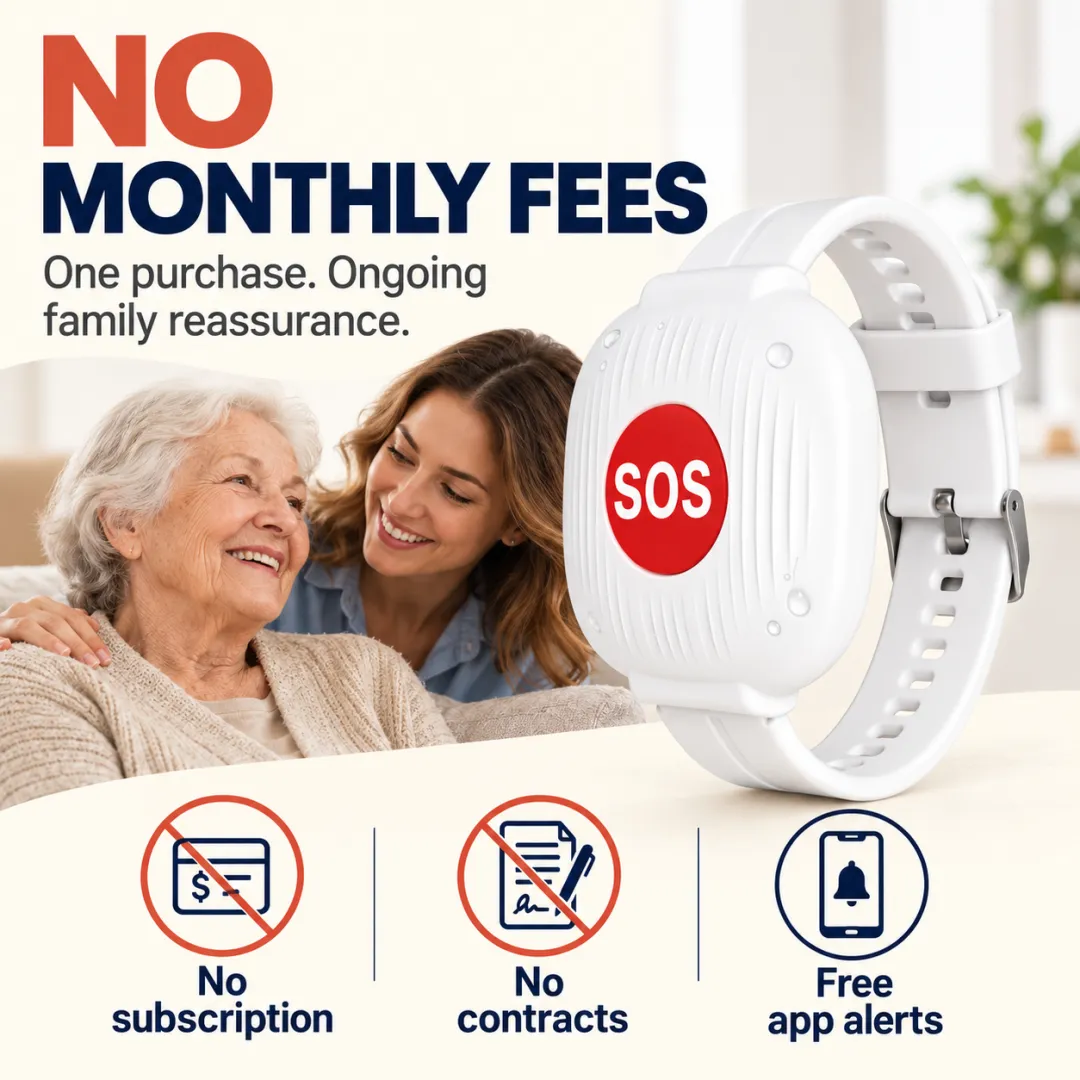
Enjoy the core family alert function without an ongoing monthly telecare subscription.
After the initial setup, the device is designed to work with its companion app and a compatible home Wi-Fi connection. Your phone will also need internet access to receive remote notifications.
One-time device purchase. No recurring monthly service fee.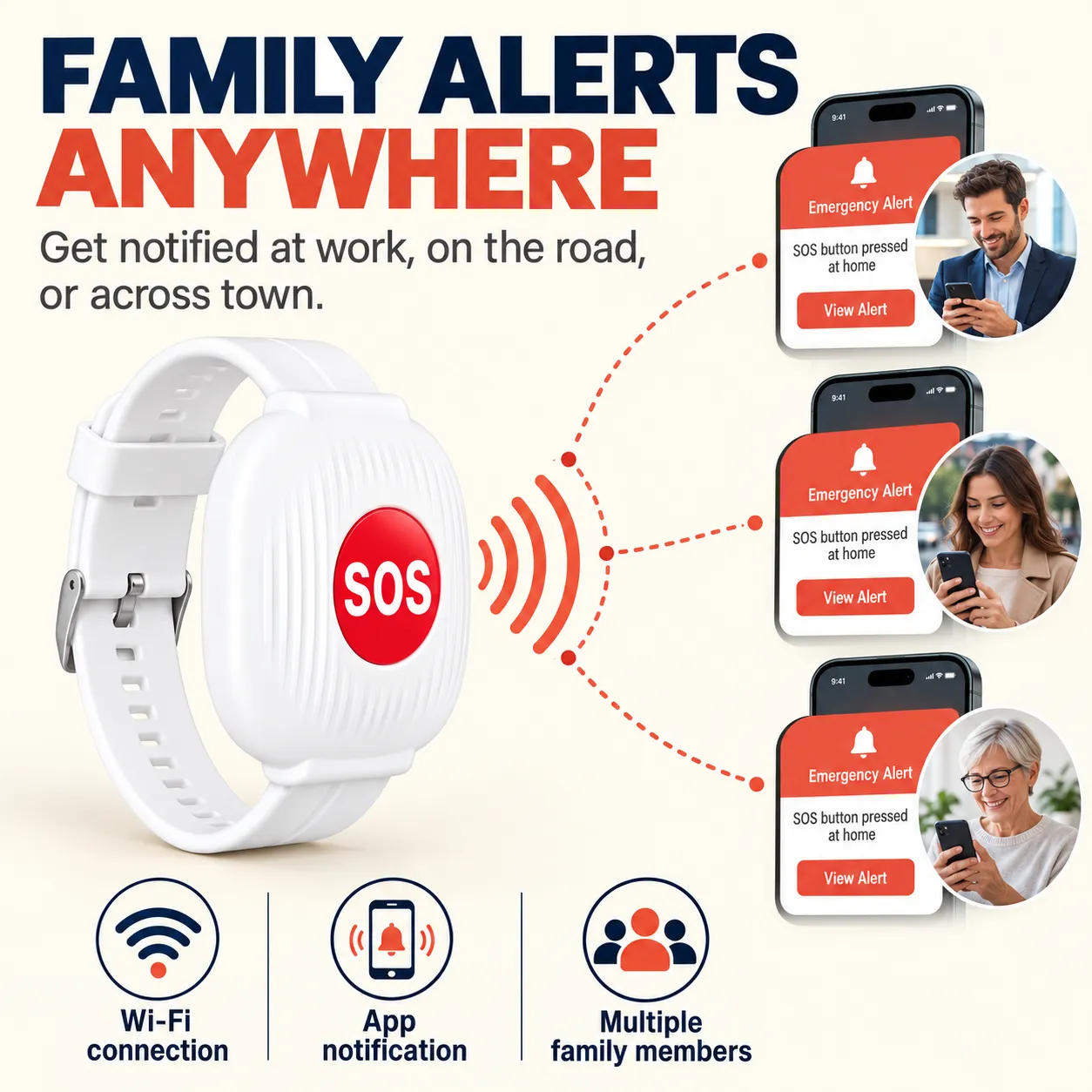
Parents or grandparents living alone: Add a simple way to signal when assistance is needed.
Older adults who prefer simple technology: No screen or complex menu on the wearable button.
Busy family members: Receive notifications while away from home.
Family caregivers: Help coordinate awareness and support among multiple connected relatives, where supported by the app.
Practical gift shoppers: A thoughtful gift for parents, grandparents, or loved ones who value independence.
Product: Emergency SOS Wrist Button for Seniors
Function: Manual SOS alert
Connection: 2.4GHz Wi-Fi
Notification method: Companion mobile app
Estimated battery life: Approximately 3–4 months
Charging port: USB Type-C
Monthly subscription: None
Operation: One-button SOS activation
Does the wearer need a smartphone?
The wearer does not need to operate a smartphone to press the SOS button. A compatible phone with the companion app is required for family members receiving notifications.
Does it automatically detect falls?
No. This version uses a manual SOS button. The wearer must press it to trigger an alert.
Can family members receive alerts when they are away from home?
Yes, provided the device is connected and functioning correctly, the home Wi-Fi and alert system are online, and the receiving phone has internet access and notifications enabled.
Does it require a monthly subscription?
No monthly subscription fee is required for the described core alert function.
How often does it need charging?
The estimated battery life is approximately 3–4 months, depending on usage and connection conditions. Recharge it through the USB Type-C port when needed.
Does it call emergency services automatically?
No. The device sends an alert through the connected app. Family members or caregivers must decide what action to take. In a serious emergency, contact the appropriate local emergency service.
You may not be able to be beside your loved one every moment, but you can help make it easier for them to signal when they need assistance.
With one-press SOS activation, connected family alerts, and no monthly subscription, the Emergency SOS Bracelet is designed to support independent living while giving families another way to stay informed.
Give them more confidence in everyday life. Give yourself one more way to stay connected.
Important safety information: This product is an alert device, not a medical monitoring system, fall detector, or guaranteed emergency response service. It depends on compatible Wi-Fi, app configuration, power, and network availability. It should not replace professional care or emergency services.
“My dad is very independent and didn’t want anything complicated. This was simple enough for him to understand straight away. One button, no confusing screen, and I feel better knowing he has another way to reach us.”
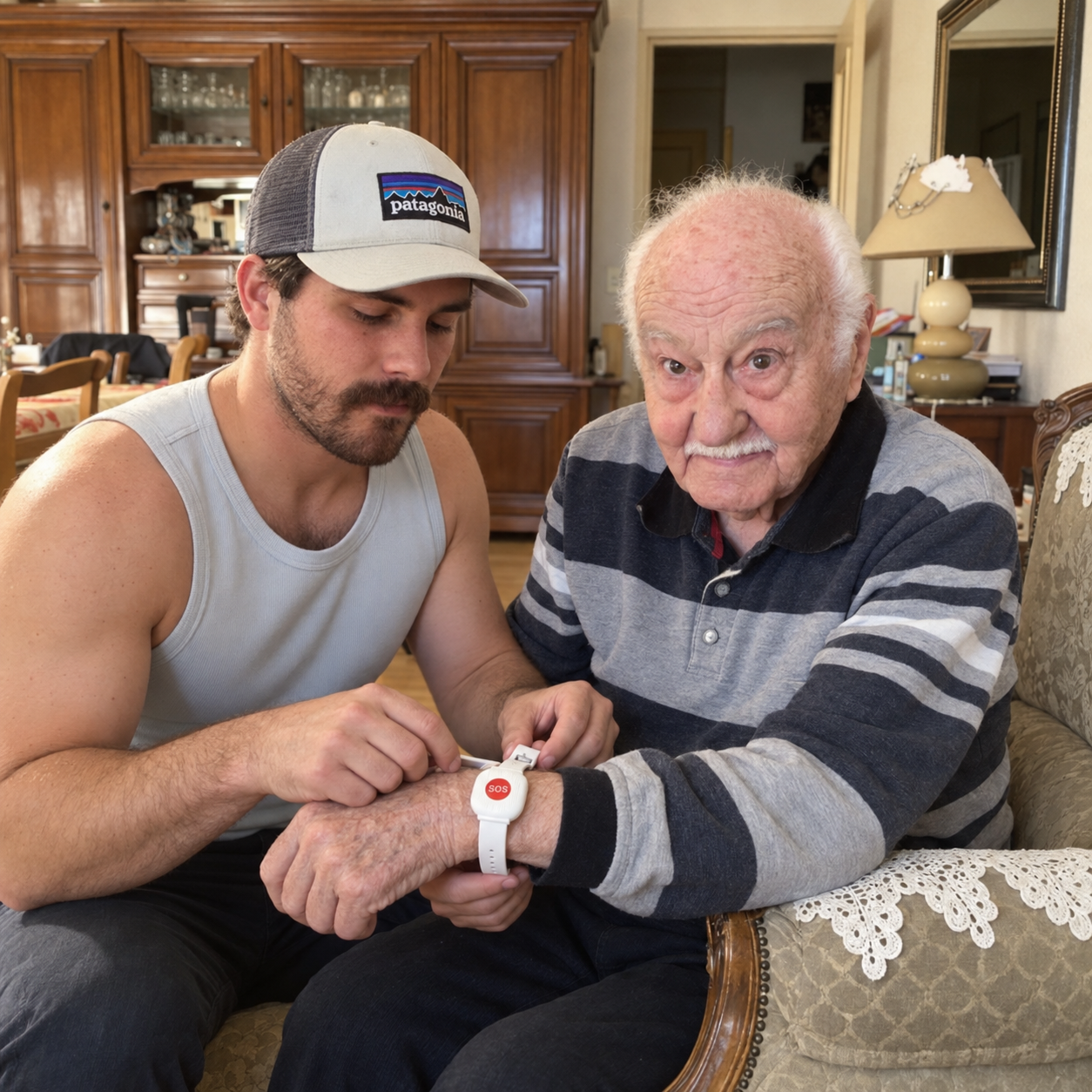
“My daughter bought this for me because I live alone. I honestly didn’t think I needed it at first, but now I’m glad she did. It’s simple, comfortable, and makes me feel much safer at home. I think every parent living alone should have something like this.”
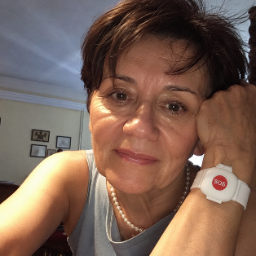
“My grandpa once left her phone in another room and couldn’t get to it quickly. That was enough to scare us. We got her this after that, and she actually wears it every day.”
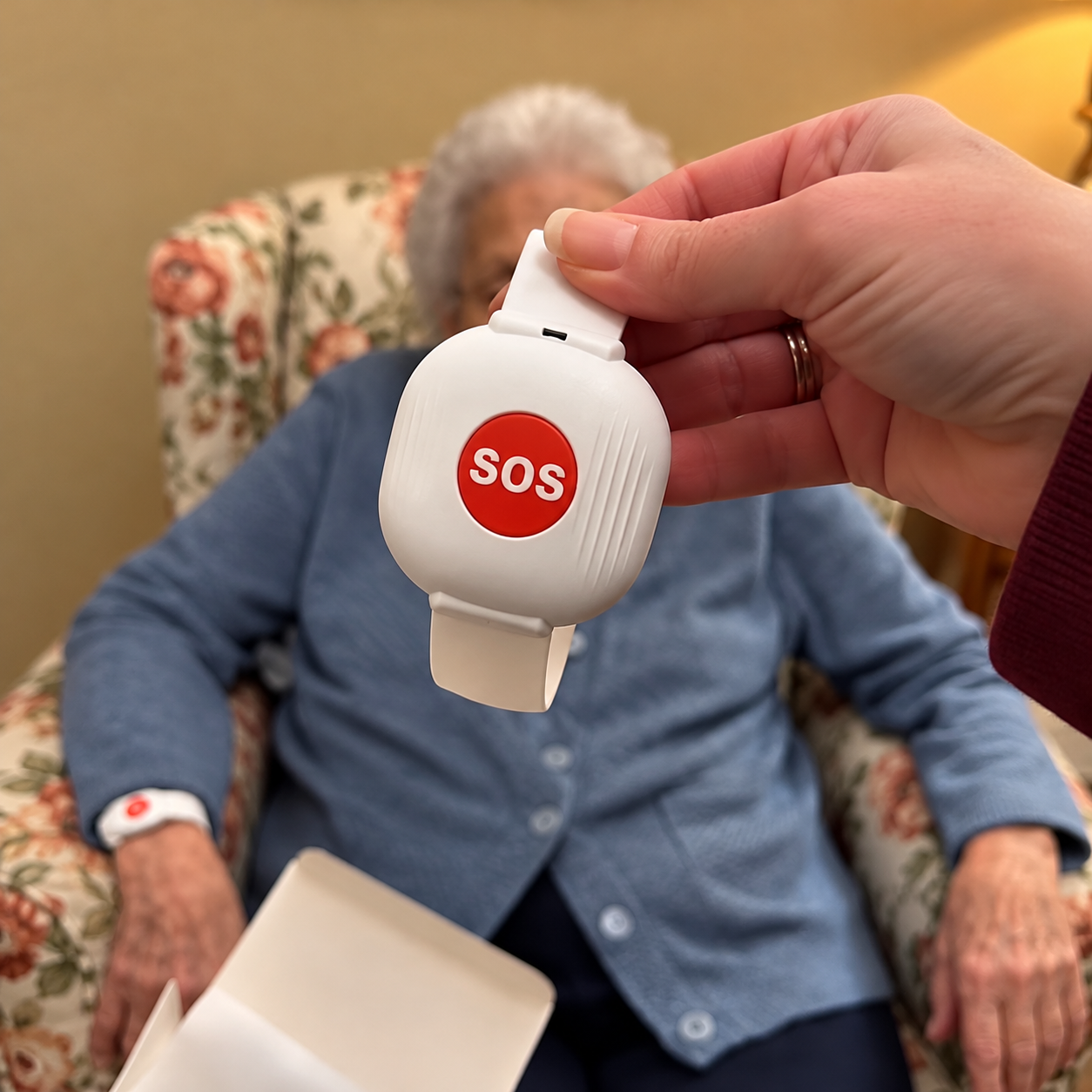
“I bought one for my husband after he had a dizzy spell at home. He hates technology, but this doesn’t feel technical at all. It’s just there on his wrist when he needs it.”
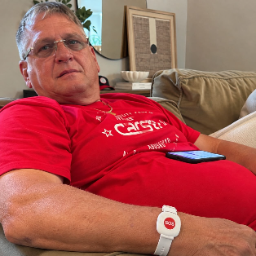
— Linda P.
loading